 |
Icetips Xplore Documentation
9/11/2011 Quick Start |
|
Previous Top Next |
Implementing Icetips Xplore in your application is easy.
| 1. | Add the Global "Icetips Xplore Global Extension[Required]" template. 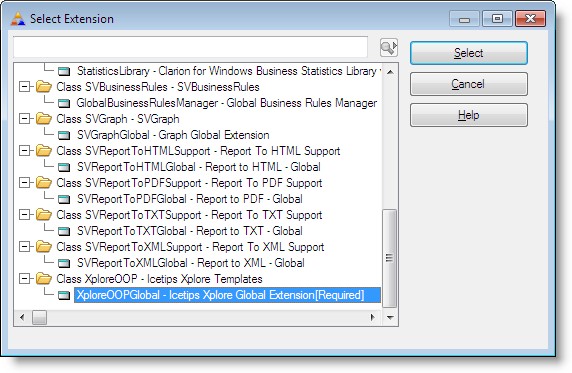 |
| 2. | Configure Xplore global settings |
| 3. | Go to the Extension Template section for your Browse procedure |
| 4. | Click on the "Browse on <filename>" section to select the browse control |
| 5. | Add the "Xplore: Child for Clarion BrowseBox(ABC)" template to the procedure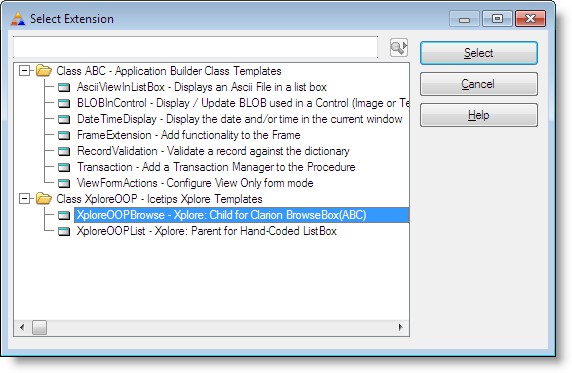 |
| 6. | Configure Xplore local settings for the browse. |
That's it!